

Mastering Excel 365 – Intermediate Part 2: Workbook Views
$5.95
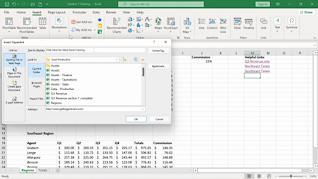
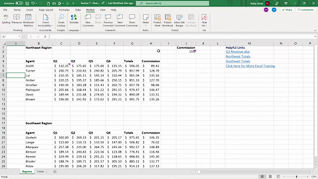
As Intermediate Part 2 of the Mastering Excel 365 series, this course opens with an overview of Freeze and Split Windows. Maintaining its conversational teacher-learner format, this course provides occasional pop-up screens that summarize what is being demonstrated and includes best practice tips. Upon completing the three topics in this course – Freeze And Split Windows; Workbook Views; Custom Views – users will confidently begin to use these Workbook Views features that they likely didn’t understand or know how to access. Use this course to help users heighten their Excel 365 skills by becoming more comfortable with Excel 365 Workbook Views.
Description
Audience:
Employees throughout the organization who use Excel 365
Workplaces:
Not Specified
Topics:
Freeze And Split Windows|Workbook Views|Custom Views
Languages:
en
Video Format:
HD
Quiz Questions:
2
Number of Lessons:
3
Training Time:
17-19 minutes
Closed Captioning:
No
Devices Supported:
Windows, Apple, Android, Chrome
Required Plugins:
None
Interactive Producer:
Mastery Training Content Network
Original Content Producer:
Bigger Brains