
Mastering Excel 365 – Beginner Part 2: Data Entry
$5.95
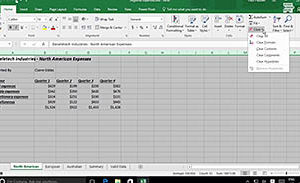
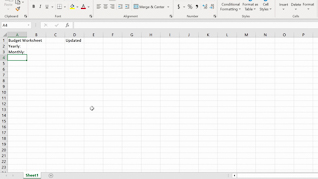
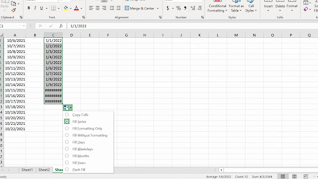
This course opens by teaching users the three ways to create a new workbook by demonstrating how to create and build a basic budget worksheet. From showing Excel keyboard shortcuts and how to enter and place data in cells to using Autofill and how to get help, learners are shown the screen-by-screen experience they will have as they learn the time saving data entry productivity features of this foundational spreadsheet application. Use this course to help employees become comfortable, proficient, and more productive with Excel 365.
Description
Audience:
Employees throughout the organization who are new to Excel 365
Workplaces:
Not Specified
Topics:
Creating A New Workbook|Entering Cell Data|Using Autofill|Getting Help
Languages:
en
Video Format:
HD
Quiz Questions:
2
Number of Lessons:
4
Training Time:
29-31 minutes
Closed Captioning:
No
Devices Supported:
Windows, Apple, Android, Chrome
Required Plugins:
None
Interactive Producer:
Mastery Training Content Network
Original Content Producer:
Bigger Brains