
Mastering Excel 365 – Basics Part 5: Printing
$5.95
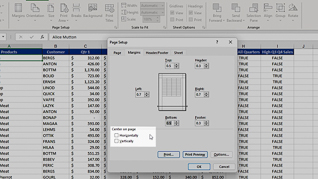
Getting spreadsheets to print in a way that is organized and has all the data you want can be frustrating. This course focuses on the basics for printing in Microsoft Excel 365. In this course, viewers follow along with an instructor as she shows an Excel 365 user how to navigate the print features. This includes learning how to set the page layout and change page breaks and scaling. Viewers also learn how to add and configure headers and footers. For example, learn how to add page numbers and determine where to place them on the page. Whether a beginner or a long-time Excel 365 user who would like a refresher, this course provides all viewers with practical steps to take advantage of its many features.
Description
Audience:
Everyone new to using Excel 365 will benefit from this course.
Workplaces:
Not Specified
Topics:
Setting Page Layout Options|Changing Page Breaks And Scaling|Configuring Headers And Footers
Languages:
en
Video Format:
HD
Quiz Questions:
3
Number of Lessons:
3
Training Time:
25-28 minutes
Closed Captioning:
No
Devices Supported:
Windows, Apple, Android, Chrome
Required Plugins:
None
Interactive Producer:
Mastery Training Content Network
Original Content Producer:
Bigger Brains