

Mastering Excel 365 – Advanced Part 1: Editing
$5.95
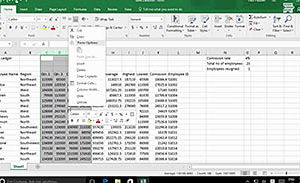
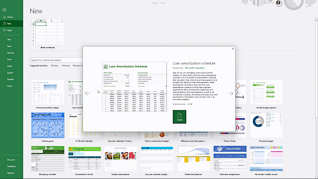
Microsoft Excel 365 has features and tools many users routinely rely upon to collect and share data. This training course takes Excel 365 users to the next level and teaches advanced editing features that provide a wider range of useful options. Viewers follow along as an experienced Microsoft trainer shows learners how to work with file types, create and use templates, and customize the QAT – quick access toolbar. This course illustrates how to navigate Excel 365 and take advantage of the advanced editing features. Excel 365 has pre-designed templates that can be used to create personalized calendars, budgets, invoices and other practical tools. Take this training course to learn about the advanced editing features in Microsoft Excel 365.
Description
Audience:
This training course is for anyone who is comfortable with the basic and intermediate features in Microsoft Excel 365 and would like to learn its advanced features.
Workplaces:
Not Specified
Topics:
Introduction|File Types|Templates|Customizing The QAT
Languages:
en
Video Format:
HD
Quiz Questions:
2
Number of Lessons:
4
Training Time:
17-19 minutes
Closed Captioning:
No
Devices Supported:
Windows, Apple, Android, Chrome
Required Plugins:
None
Interactive Producer:
Mastery Training Content Network
Original Content Producer:
Bigger Brains