
Mastering Excel 365 – Advanced Part 5: PivotTables And Macros
$5.95
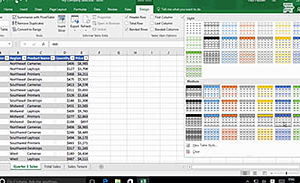
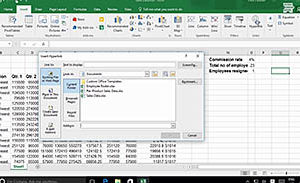
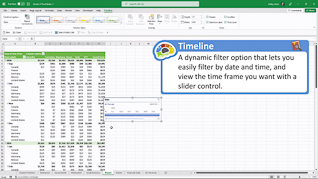
Data is only as good as its organization and usefulness. This training explores advanced PivotTables and macros in Microsoft Excel 365. This course explores how to adjust formatting and grouping in Excel 365. Viewers learn how to work with report filters to manage tables. This training discusses how to use macros in Excel. PivotTables and macros are powerful features in Excel 365. Use this course to educate employees about advanced PivotTables and macros in Microsoft Excel 365.
Description
Audience:
Excel 365 users
Workplaces:
Not Specified
Topics:
Manage PivotTables|Report Filter Slicers And Timelines|Run A Macro
Languages:
en
Video Format:
HD
Quiz Questions:
2
Number of Lessons:
3
Training Time:
23-25 minutes
Closed Captioning:
No
Devices Supported:
Windows, Apple, Android, Chrome
Required Plugins:
None
Interactive Producer:
Mastery Training Content Network
Original Content Producer:
Bigger Brains