

Mastering Excel 365 – Intermediate Part 3: Formatting
$5.95
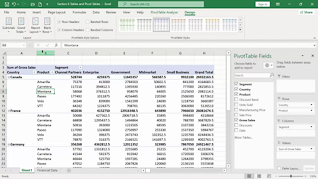
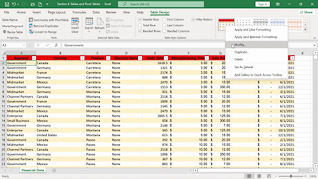
This online training course introduces Microsoft Excel 365 users to some intermediate formatting tools that can help make spreadsheets more organized, visually effective, and easier to understand. Throughout the course, learners will discover how to create and apply custom number formats to display data in ways that meet specific needs. The training covers conditional formatting for text and dates, helping users quickly identify important information and trends within their spreadsheets. In addition, learners will explore comparative analysis using conditional formatting to make data comparisons easier to interpret. The course also explains how to customize conditional formatting and use functions within conditional formatting rules. By the end of the course, learners will have a better understanding of Excel 365’s formatting capabilities and how to use them to create clear, professional, and informative spreadsheets.
Description
Audience:
Excel 365 users
Workplaces:
Not Specified
Topics:
Custom Number Formats|Conditional Formatting For Text And Dates|Comparitive Analysis With Conditional Formatting|Customizing Conditional Formatting|Functions In Conditional Formatting
Languages:
en
Video Format:
HD
Quiz Questions:
3
Number of Lessons:
5
Training Time:
34-37 minutes
Closed Captioning:
No
Devices Supported:
Windows, Apple, Android, Chrome
Required Plugins:
None
Interactive Producer:
Mastery Training Content Network
Original Content Producer:
Bigger Brains